

Have you ever seen a message on your iPhone with a heart, a thumbs up, or the word “Emphasize” attached to it? If you are navigating iMessage or looking at social media chat networks, understanding these reactions is key to keeping your digital conversations smooth and expressive.
This guide breaks down exactly what “Emphasize” means on an iPhone, how the feature works across different apps, and how to use it like a pro.
What Does “Emphasize” Mean on an iPhone?
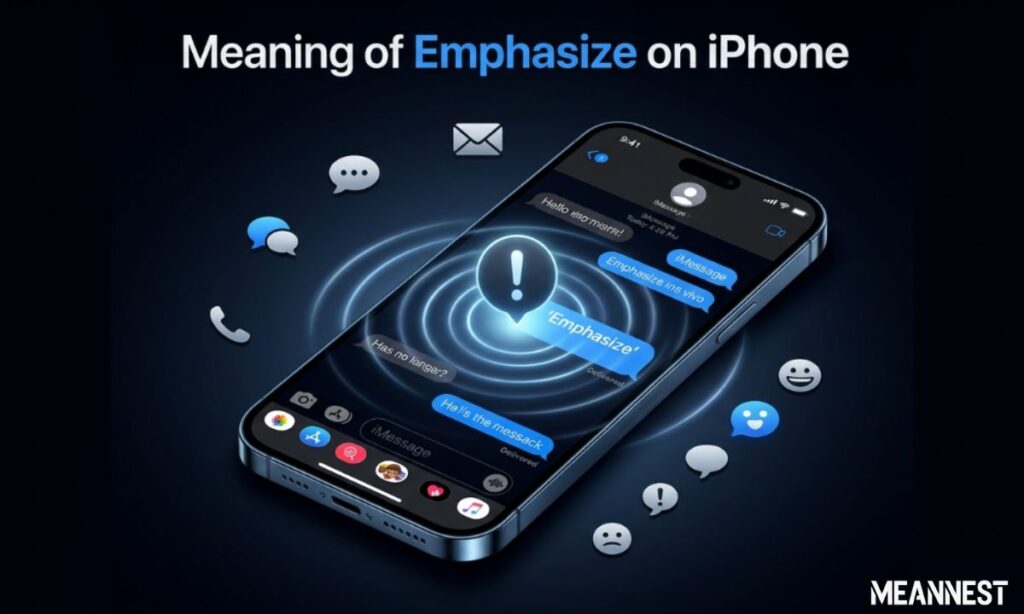
When you are chatting on Apple’s iMessage platform, Emphasize is a built-in reaction feature (officially called Tapbacks). It allows users to quickly respond to a specific text bubble using visual expressions instead of typing out a full text reply.
The “Emphasize” reaction is visually represented by two exclamation points (!!). It is used to draw attention to a specific message, show excitement, express deep agreement, or signal that a particular text is highly important.
The Core Intentions: Why Do People Use It?
The Tapback system was designed to speed up digital interactions and add emotional nuance. People typically use the double exclamation point (!!) to achieve these goals:
- Show Surprise or Shock: Reacting to unexpected or unbelievable news.
- Express Deep Agreement: Highlighting a statement that you strongly back up.
- Add Visual Importance: Making sure a specific text bubble stands out in a busy group chat.
- Save Typing Time: Giving a quick, high-energy acknowledgement without repeating words.
The Complete iPhone Tapback Reaction Matrix
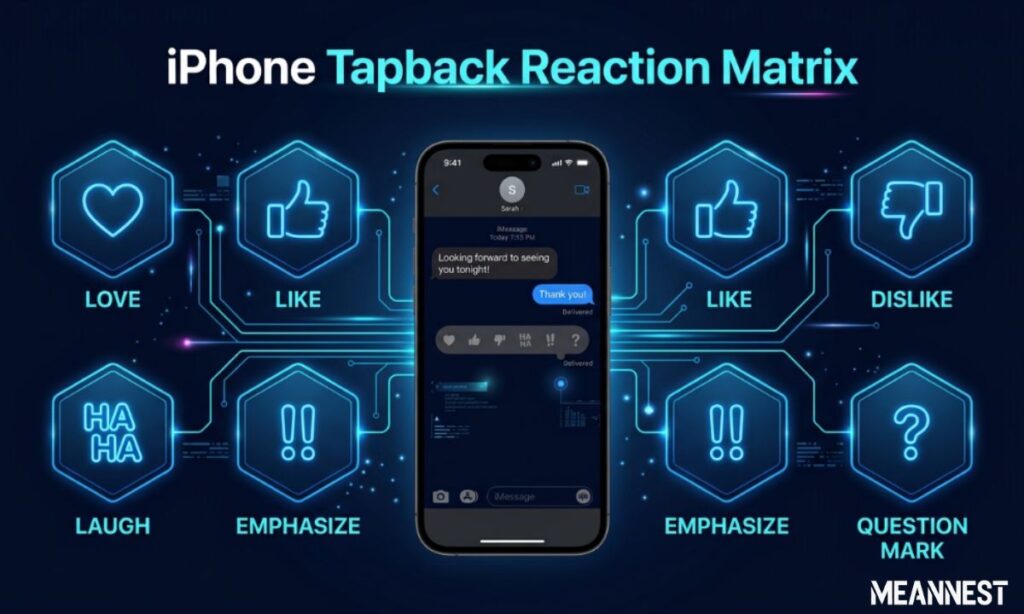
To help you understand where “Emphasize” sits alongside other expressions, here is a quick reference table of all standard iMessage reactions:
| Visual Icon / Word | Slang Meaning | Common Daily Application |
| Heart (❤️) | Love / Adore | Showing affection, deep gratitude, or liking a sweet message. |
| Thumbs Up (👍) | Like / Approved | Giving a quick nod, confirming plans, or agreeing. |
| Thumbs Down (👎) | Dislike / No | Expressing disagreement or disappointment casually. |
| HAHA | Laughing / Funny | Reacting to a funny joke, meme, or sarcastic comment. |
| Exclamation (!!) | Emphasize | Highlighting shocking news, urgent updates, or big excitement. |
| Question Mark (?) | Confused / Huh? | Signaling that a message is unclear or needs explanation. |
Why Does iMessage Sometimes Spell Out “Emphasize”?
A major point of confusion for many smartphone users is seeing the phrase “Emphasized [Original Message]” written out in plain text.
The Technical Reason: This happens due to communication cross-play between Apple devices and Android networks. If an iPhone user reacts with “!!” to a text thread involving an Android user (or someone on an older iOS version), the network cannot render the visual bubble. Instead, it translates the visual reaction into text format.
How to Send an Emphasize Reaction on iPhone
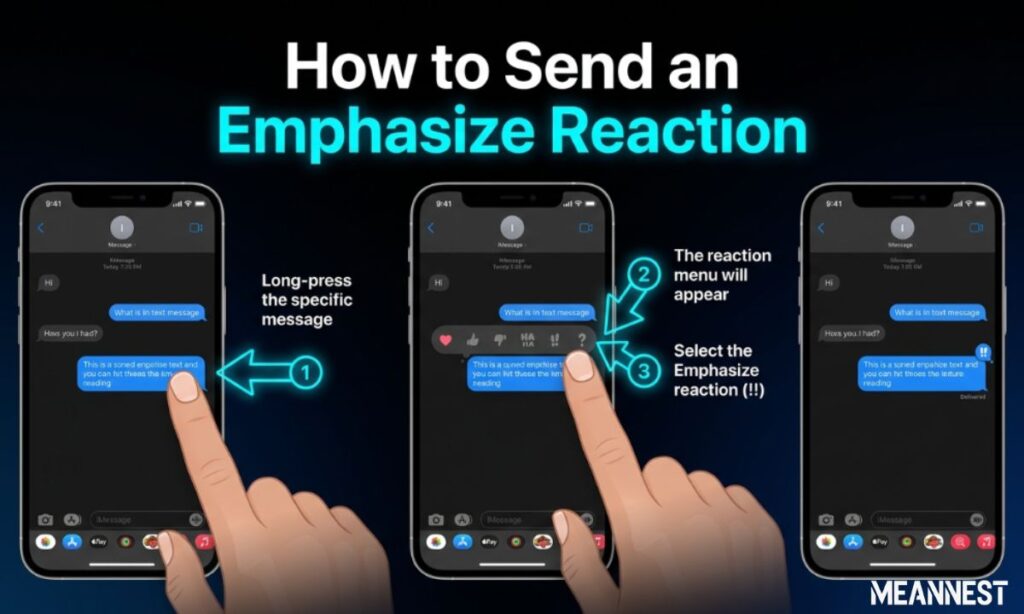
Sending this reaction takes less than two seconds once you know the gesture.
- Step 1: Open any active conversation thread inside the native Messages app.
- Step 2: Double-tap or press-and-hold directly on the specific text bubble you want to highlight.
- Step 3: A small pop-up menu showing six visual icons will appear above the message.
- Step 4: Tap the double exclamation points (!!) icon. The reaction will instantly attach itself to the bubble.
How to Change or Remove Your Reaction
If you accidentally hit the wrong icon or want to clear a reaction later, the process is incredibly simple:
- Double-tap the reacted text bubble again to open the Tapback menu.
- To change it, simply tap a different icon (like the Heart or Thumbs Up).
- To remove it completely, tap the active, highlighted “!!” icon, and it will vanish from the message.
App Spotlight: Reactions Across Other Platforms
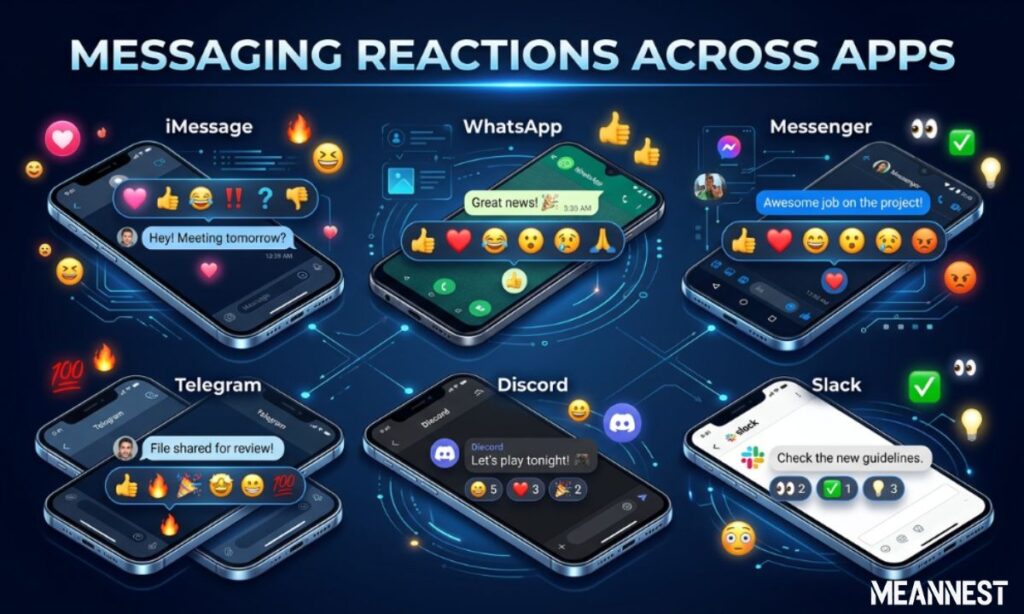
While Apple calls it “Emphasize,” other major digital spaces use different names and visual designs to achieve the exact same tone:
- WhatsApp: Users press-and-hold a text to pick custom emojis. The exclamation vibe is usually replaced by the open-mouthed surprised emoji (😮) or fire (🔥).
- Instagram DMs: Double-tapping a message defaults to a heart, but holding it down lets you choose any emoji to highlight a statement.
- TikTok Comments: Users pin or like specific comments to give them structural prominence inside video feeds.
Common Context Mistakes to Avoid
Even though slang and shortcuts are highly convenient, misusing them can lead to minor misunderstandings:
- Using It in Professional Emails: Keep Tapbacks confined to casual chats. Avoid trying to use text-based shortcuts in corporate or academic formats.
- Reacting to Sad News: Sending a high-energy “!!” to an update about someone being sick can look insensitive. Stick to standard text replies for sensitive topics.
Trend and Popularity of iMessage Slang in 2026
In 2026, the use of visual shortcuts and micro-expressions like Tapbacks is at an all-time high. Gen Z and millennial users prefer instant visual indicators over written confirmations like “Okay” or “I agree.” The “Emphasize” tool perfectly bridges the gap between fast typing and emotional expressiveness, maintaining its massive popularity in daily social updates.
Differences Between Tapbacks and Standard Emojis
While standard emojis are sent as individual, new text messages that move the chat downward, Tapbacks like “Emphasize” attach themselves directly onto an existing message bubble. This layout keeps group threads exceptionally clean, organized, and free from excessive clutter, which is why users prefer them during rapid conversations.
Customizing Reactions in Modern Software Updates
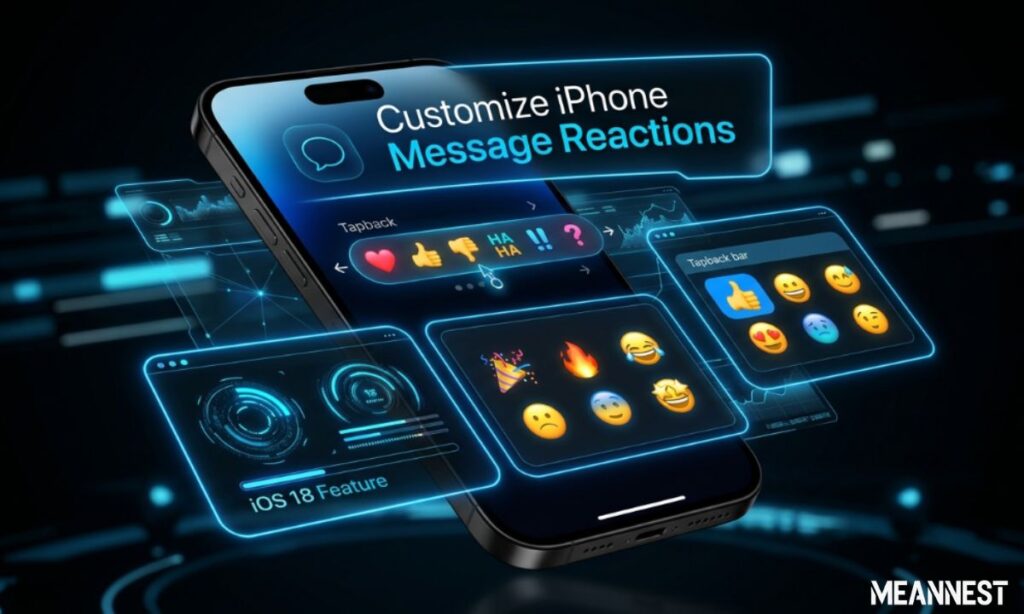
Recent mobile system iterations allow users to have greater flexibility over their messaging experience. While the core six Tapback icons remain fixed as defaults on iOS, understanding how these reactions map across systems helps content creators and daily users curate their chat vibes with higher precision.
Impact of Reaction Features on User Engagement
In digital marketing and website copy, interactive triggers shape community connection. Similarly, inside personal chats, features like “Emphasize” increase overall user engagement by making it completely effortless to respond. When a barrier to replying is dropped down to a simple double-tap, conversations stay alive much longer.
Summary Checklist: Proper Usage of Digital Shortcuts
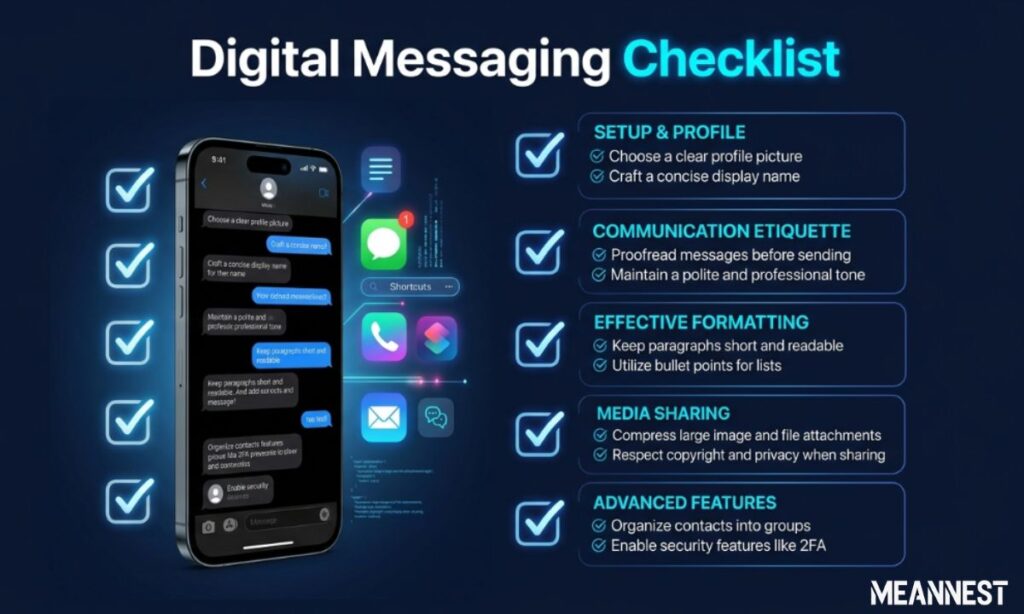
To ensure your digital etiquette remains sharp, keep this simple reference layout in mind before reacting:
| Social Setting | Tapback Compatibility | Recommended Approach |
| Close Friends / Group Chats | High Compatibility | Use Emphasize (!!) freely to show shock, hype, or instant agreement. |
| Dating App Introductions | Medium Compatibility | Stick to light hearts or text-based answers until a casual vibe is built. |
| Workplace / Remote Slack | Low Compatibility | Avoid informal shortcuts; use professional, written acknowledgements instead. |
Frequently Asked Questions
What does it mean when a text says “Emphasized”?
It means an iPhone user used the double exclamation point (!!) reaction feature on your message, but your current network configuration or device style translated the visual icon into a text notification instead.
Can Android users see the visual iPhone Emphasize reaction?
With recent software updates, modern Android devices can render iMessage reactions properly. However, if the network connection or messaging standard drops, it will still display as text.
Does sending an Emphasize reaction use cell data?
Yes, iMessage features utilize standard internet data (Wi-Fi or cellular networks) rather than traditional SMS carrier lines to send media, emojis, and Tapback metadata.
Is the Emphasize feature available on Macbooks?
Yes. You can right-click any message bubble inside the macOS Messages app or click and hold it to access the exact same Tapback reaction menu.
How do I stop my phone from spelling out “Emphasized”?
This is determined by network compatibility between Apple and non-Apple devices. Keeping your phone’s operating system completely updated to the latest version minimizes these formatting errors.
Can you use the Emphasize reaction on images and videos?
Yes, the Tapback system allows you to react to any media format sent within the thread, including photos, voice notes, links, and video clips.
Does the other person get a notification when I emphasize a text?
Yes, the recipient receives a targeted ping informing them that you emphasized their specific message, ensuring they notice the highlight instantly.
Conclusion
The “Emphasize” feature on iPhone is a fantastic, time-saving tool designed to inject personality, speed, and emotional clarity into everyday text threads. By using the double exclamation point layout, you can quickly show deep agreement or highlight important news without cluttering the chat with extra typing. Understanding how these systems communicate across platforms ensures you can navigate modern digital spaces with total ease.

Michael is a creative writer with 4 years of experience exploring meanings and clever puns through his blog. He now works at Meannest.com, where he continues crafting engaging, witty content that connects ideas, language, and humor for readers worldwide diverse.
